In this Customizer panel, you find settings related to the blog of the site.
Archives
Set up the blog archives page (Posts page).
- Blog header: show or hide the page header of blog archives page
- Blog archive layout: select layout for the blog archives page
- Show post thumbnails: show or hide post featured image thumbnails
- Show categories: show or hide category badges at the top right of each blog post
- Post metas: set which post metas to show up, hide, unhide and reorder them

- Excerpt length: set the excerpt length of the blog posts in characters
- Featured image height: set the height of the featured image of each blog post
- Show read more: Set to show or hide the “Continue reading…” link below the excerpt
- Read more text: Enter the text label for the more link below the excerpt
Single Post
- Single header: show or hide the page header on single posts page
- Header custom title: sets custom headline text to display in the single post’s header (if single header enabled)
- Display sidebar: show or hide the widgets sidebar on single posts page
- Display navigation: set to show or hide next and previous post links at the bottom

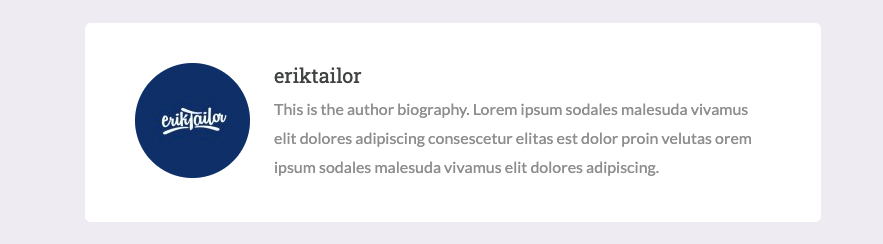
- Display author box: Set to show or hide the author information box below the post
- Display related posts: Set to show or hide related posts (3 posts from the same category)
- Post metas: set which post metas to show up (above the post title) and reorder them
- Image height: sets the height of the single post’s featured image at the top of the post
Colors
Set the color of the elements from the Blog panel.
- Archives background color: set the posts page background color
- Single background color: set the background color of the single posts page
