In this Customizer panel, you find settings related to the footer of the site.
Widgets
Here you can set up the widgetized footer bar.
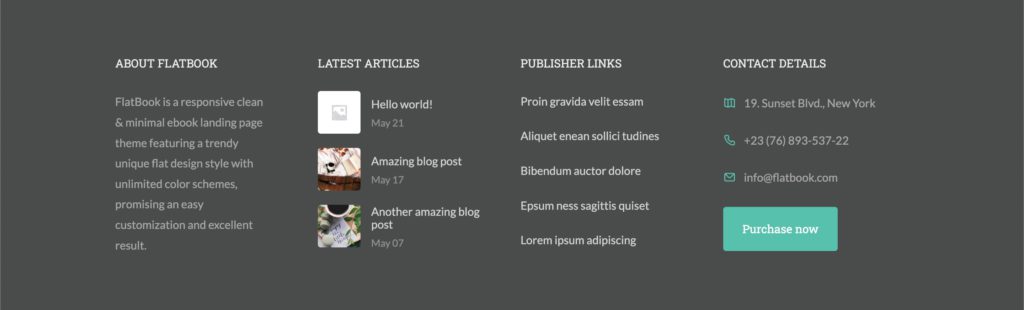
- Enable widgets footer: show or hide the footer bar with your custom widgets
- Top spacing: set the top padding of the footer widgets bar (on desktop view)
- Bottom spacing: set the bottom padding of the footer widgets bar (on desktop view)
Note: you can add / customize the widgets at Customizer > Widgets > Footer Widgets
Copyright
Set up the copyright footer bar, at the most bottom of the pages.

- Enable copyright footer: show or hide the footer copyright bar
- Enable social icons: show or hide social icons on the right side, set in the General panel
- Copyright text: enter the text to be shown in the copyright bar
- Font size: set the font size of the text in the copyright bar
- Alignment: sets the text alignment of the copyright bar (if social icons are disabled)
Subscribe
Settings of the footer newsletter subscribe bar.

- Enable subscribe bar: show or hide the newsletter subscribe bar at the top of the footer
- Subscribe heading: enter the text for the heading in the subscription bar
- MailChimp URL: add your custom MailChimp URL to use in the subscribe form. We will cover this in the Setup Subscribe Form section of the documentation
Colors
Set the color of the elements from the Footer panel.
