FlatBook has 3 widget areas, you can add 26 kind of widgets into them. To add a widget to one of the areas, go to Appearance > Customize > Widgets, select a widget area and click on Add a Widget button.
Footer Widgets
This widget area is placed in the footer above the copyright bar. It’s not recommended to add more than 4 widgets, as each one represents a column in the footer.

Blog Sidebar
This widget area is located in the sidebar of the Blog (posts page) and the Single Post page.
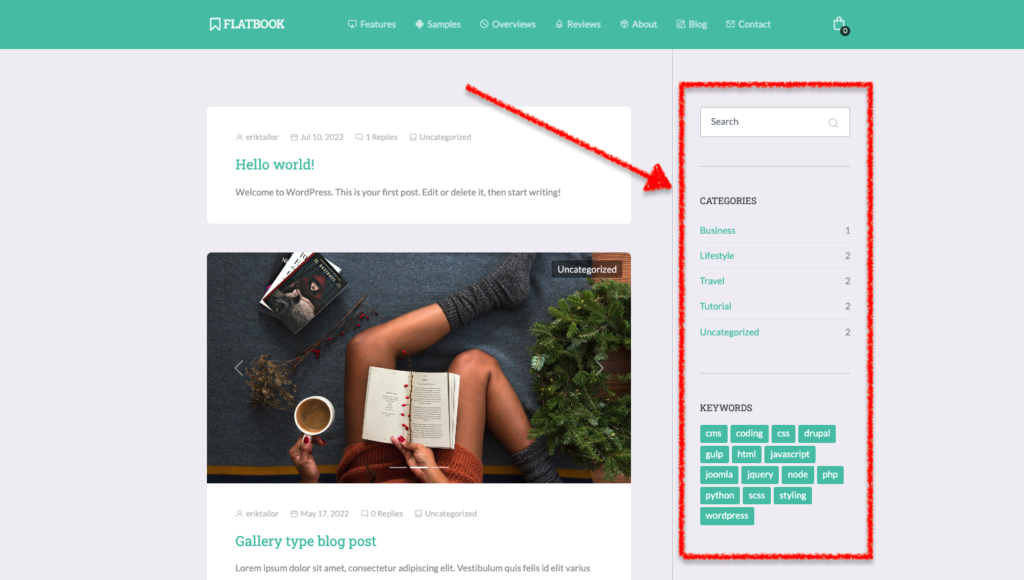
Note: you can only see the Blog Sidebar within the widget areas, if you are viewing the Blog or the Single Post page in the Customizer.
Shop Sidebar
This widget area is located in the sidebar of the Shop page.
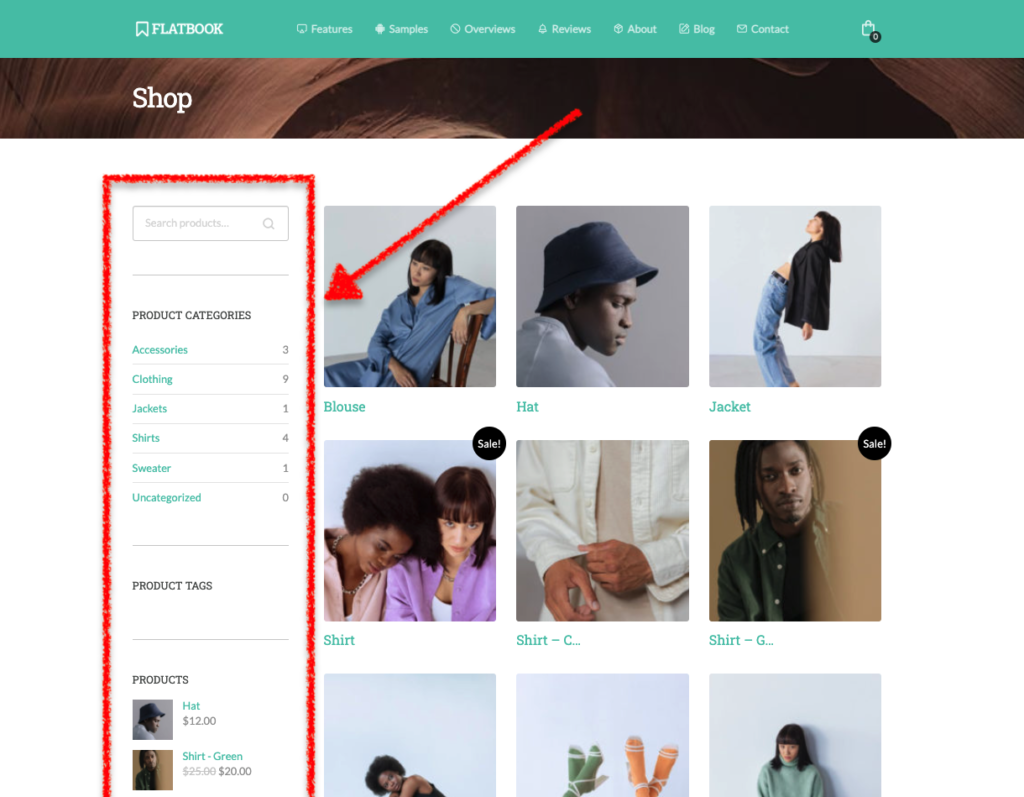
Note: you can only see the Shop Sidebar, if WooCommerce plugin is activated, and you are viewing the Shop or the Single Product page in the Customizer.
